ExpressVPN vs NordVPN: which VPN should you choose in 2024
A direct comparison of ExpressVPN and NordVPN, covering speed, security, features, pricing, and user experience.
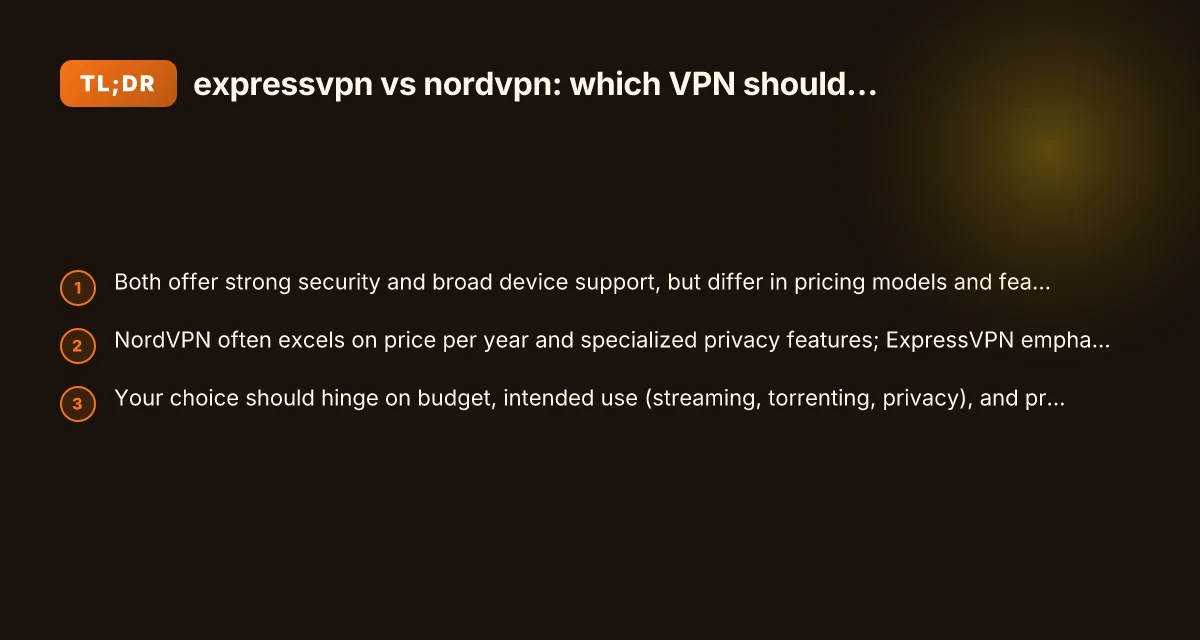
If you’re deciding between ExpressVPN and NordVPN, you’re looking at two of the most recognizable names in the VPN space. Both brands boast strong security, global server networks, and user-friendly apps. In practice, they’re closer than you might think, but they also carve out distinct strengths. This guide breaks down what matters most to real users: speed, security, features, price, and ease of use, so you can pick the one that fits your needs.
Speed and performance: which one feels faster?
Speed is a frequent priority for streaming, gaming, and large downloads. The reality is that speed is highly dependent on your base connection, server location, and protocol choices. Here’s how the two compare on a practical level.
- ExpressVPN is often praised for consistent speeds across many servers.
- NordVPN also delivers solid speeds, with a wide server network that helps optimize routes.
- Both offer abstract options like Lightway (ExpressVPN) and WireGuard-based NordLynx (NordVPN) to maximize speed and reduce latency.
- If you regularly connect from regions with heavy throttling or long routing paths, testing both providers on your typical locations is wise.
Tips to optimize speed with either service:
- Choose nearby servers when possible.
- Use the recommended protocol in the app (Lightway or NordLynx).
- Temporarily disconnect other devices to get more bandwidth for testing.
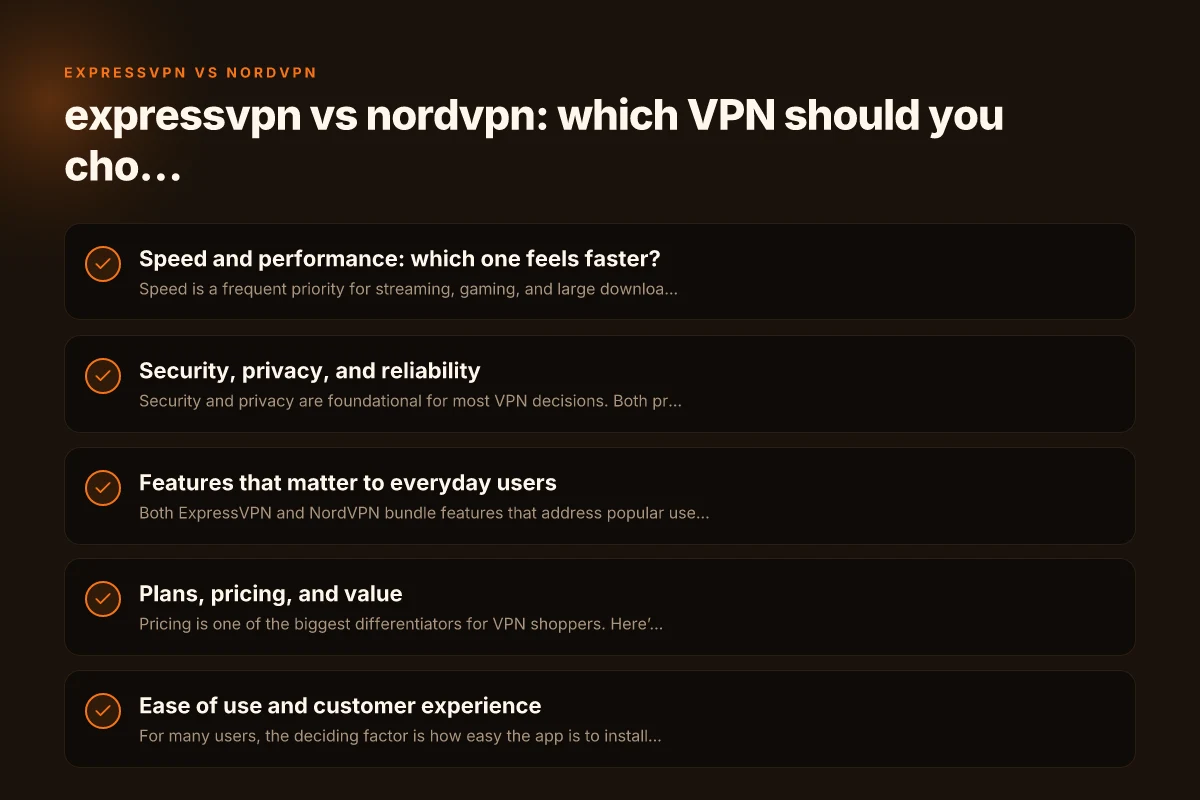
Security, privacy, and reliability
Security and privacy are foundational for most VPN decisions. Both providers position themselves as privacy-forward, but they take slightly different approaches.
- Encryption: Both use strong AES-256 encryption with robust authentication.
- Protocols: ExpressVPN’s Lightway and NordVPN’s NordLynx (WireGuard-based) are designed for speed and security.
- Logging: Neither provider claims to log user activity. Both are audited or operate with third-party privacy considerations (ExpressVPN has had public audits; NordVPN has its own audit history and independent reviews).
- Jurisdiction: ExpressVPN is based in the British Virgin Islands; NordVPN is headquartered in Panama. Both are outside the 14 Eyes alliance, which matters to privacy-minded users, but jurisdiction isn’t the only factor in real-world privacy.
Two core privacy features to note: ExpressVPN vs IPVanish: which VPN should you choose in 2024
- Kill switch: Both offer network-level kill switches to prevent leaks if the VPN drops.
- DNS/IPv6 leak protection: Both services provide protections. Ensure you enable these in settings.
In practical terms, both are trustworthy choices for privacy-conscious users, but your appetite for extra privacy features or company transparency might tilt you toward one.
Features that matter to everyday users
Both ExpressVPN and NordVPN bundle features that address popular use cases: streaming, torrenting, greater security, and multiple device support.
ExpressVPN highlights:
- Very simple, clean apps across many platforms (Windows, macOS, iOS, Android, Linux, routers).
- Consistent streaming performance with a broad selection of unblockables for Netflix and other services.
- Split tunneling (where available) and a user-friendly interface that minimizes friction.
NordVPN highlights: ExpressVPN vs CyberGhost: which VPN wins on speed, security, and value?
- Large server network, often cited as one of the largest in the industry.
- Specialty servers for double VPN, Onion over VPN, P2P/torrenting, and obfuscated servers for restricted networks.
- CyberSec feature for blocking ads and malware (though effectiveness may vary).
- Occasional discounts for longer-term plans, which improves value.
Feature-by-feature snapshot:
- Streaming: ExpressVPN is known for reliable unblocking across many platforms; NordVPN also performs well, with a strong track record on Netflix and other services, though occasional regional hiccups may occur.
- Torrenting: NordVPN offers P2P-optimized servers; ExpressVPN supports torrenting but on a more general set of servers.
- Privacy tools: NordVPN’s specialty servers give extra privacy routes; ExpressVPN keeps the interface simple and straightforward.
- Device support: Both cover desktops, mobile, and many routers. ExpressVPN emphasizes a consistent experience across platforms; NordVPN sometimes diversifies the experience with its specialty servers.
Plans, pricing, and value
Pricing is one of the biggest differentiators for VPN shoppers. Here’s how the typical pricing landscape looks (note: actual prices fluctuate with promotions and regional variations):
- ExpressVPN: Generally priced at a higher monthly rate, with strong yearly discounts that still sit above a typical NordVPN yearly plan.
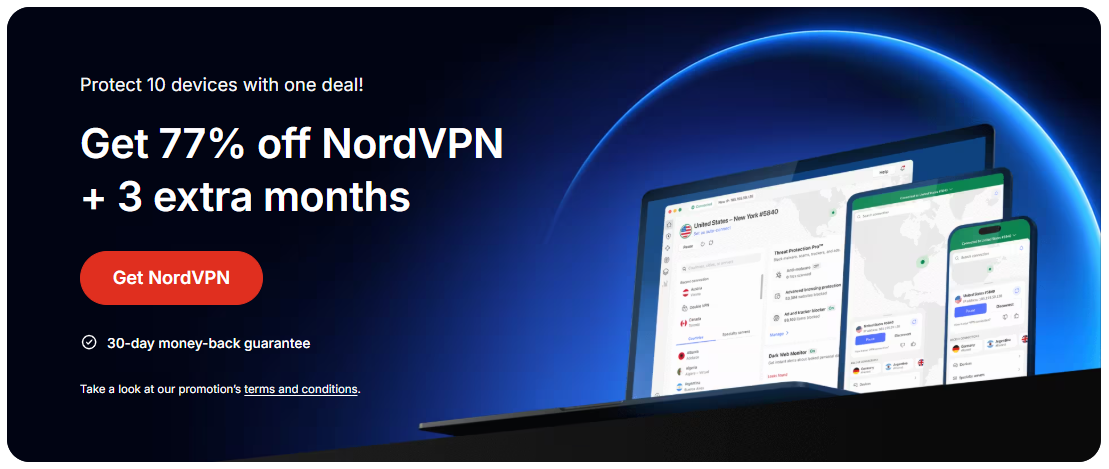
- NordVPN: Often presents aggressive annual and multi-year discounts, making it a stronger price-per-year option for budget-conscious buyers.
Price comparison tips:
- Look for long-term commitments: NordVPN frequently runs promotional pricing for 1- or 2-year plans.
- Consider renewals: Many VPNs raise prices on renewal. Verify the renewal rate before committing.
- Check for student or business offers: Some vendors provide targeted discounts.
What you get for price: Avast VPN vs NordVPN: which VPN should you choose in 2024 and beyond
- ExpressVPN typically emphasizes a simpler value proposition with easy setup and strong reliability rather than the absolute lowest price.
- NordVPN emphasizes value through a broad feature set, a very large server network, and frequent savings on longer plans.
Table: feature-focused comparison at a glance
| Feature | ExpressVPN | NordVPN |
|---|---|---|
| Core protocol | Lightway | NordLynx (WireGuard-based) |
| Server count (approx.) | Large, but not the largest among peers | One of the largest server networks reported |
| Streaming unblocks | Excellent for major services (Netflix, etc.) | Very good, sometimes location-specific fixes |
| Specialty servers | Obfuscated, dedicated streaming helpers | Double VPN, Onion over VPN, dedicated P2P |
| Pricing strategy | Simplicity-focused pricing, strong yearly deals | Aggressive long-term discounts, better value |
| User experience | Very clean, beginner-friendly | Feature-rich but slightly more complex |
| Audits and transparency | Publicly audited; clear privacy stance | Regular third-party reviews; privacy-focused |
Ease of use and customer experience
For many users, the deciding factor is how easy the app is to install and use, plus the quality of customer support.
- Installation: Both provide straightforward setup on major platforms. ExpressVPN’s apps are often praised for consistency and polish. NordVPN’s apps are also polished but include more options (which can feel more complex to new users).
- App design: ExpressVPN tends to favor a clean, minimal UI that reduces decision fatigue. NordVPN offers a more feature-rich interface, which can be great for power users but might feel overwhelming for beginners.
- Support: Both offer 24/7 live chat and extensive knowledge bases. Response quality can vary, but both brands have reputations for responsive support.
If you value a no-surprises, straightforward experience, ExpressVPN is often the safer pick. If you want more control, advanced options, and you’re comfortable navigating a busier interface, NordVPN may be more satisfying.
Privacy audits and trust signals
Audits and external validation can influence trust, especially for users with heightened privacy concerns. ExpressVPN vs avast VPN: which is the better choice for privacy and performance
- ExpressVPN: Has conducted independent third-party audits of its no-logs claims and infrastructure in the past. The results generally support claims of not logging user activity, but auditors emphasize that no system is 100% infallible.
- NordVPN: Also participates in independent audits and maintains a transparency-focused stance. The brand often highlights its privacy-focused initiatives and conducts third-party checks.
Bottom line: both providers offer credible assurances and engage with the privacy-conscious market. If audits are a deciding factor, review the most recent audit reports and any published summaries to understand what aspects were tested and what gaps (if any) were acknowledged.
Final recommendation: who should choose which?
Choose ExpressVPN if:
You want a fast, reliable experience with minimal setup and a polished interface.
You frequently stream from multiple services and prefer a higher likelihood of unblocking. ExpressVPN vs Surfshark: which VPN wins for speed, privacy, and value
You value a simple price structure and strong customer support.
You don’t mind paying a bit more for perceived simplicity and consistent performance.
Choose NordVPN if:
You’re looking for the best price-to-feature ratio, especially with long-term plans. ExpressVPN vs VyprVPN: which VPN wins on privacy, speed, and value
You want features like specialty servers (Double VPN, Onion over VPN) and a broad server network for flexibility.
You’re comfortable with a more feature-rich app and value advanced configuration options.
You enjoy discounted bundles and deeper control over privacy settings.
Bottom line: For most users who just want reliable protection, good streaming performance, and straightforward use, ExpressVPN is a solid, predictable choice. If you’re a privacy enthusiast or bargain hunter who wants a generous feature set at a lower price, NordVPN is likely to serve you better. ExpressVPN vs TunnelBear: which VPN should you choose in 2024
How to decide quickly
- If price is your top concern and you want the most features for privacy nerds, go NordVPN.
- If you want a premium, straightforward experience with consistently strong streaming performance, go ExpressVPN.
- If possible, take advantage of trial periods or short-term plans to test both in your own environment. A test drive can reveal subtle differences in speed, streaming compatibility, and app feel that no spec sheet can capture.
If you’d like, tell me your typical use case (streaming, gaming, torrenting, business privacy) and your location, and I’ll tailor a more precise recommendation, including practical steps to test both services and a plan for your setup.
| VPN | Obfuscation | From / month | Plan | Free plan | Refund | Alipay | UnionPay | Crypto | Website opens in China | Trustpilot | |
|---|---|---|---|---|---|---|---|---|---|---|---|
 ExpressVPN | ✓ On by default all servers | $3.00/mo | 28 months: $84 | No | 30 days | ✗ | ✗ | ✓ | ✗ | ✗ Blocked | 4.4/5 (29,706 reviews) |
 NordVPN | Turn on manually Obfuscated Servers / NordWhisper | $3.49/mo | 27 months: $94.23 | No | 30 days | ? | ✗ | ✓ | ✓ | ✗ Blocked | 4.2/5 (51,628 reviews) |
 ZoogVPN | Turn on manually Shadow | $2.49/mo | 27 months: $59.99 | Yes | 7 days | ✓ | ✓ | ✓ | ✓ | Official site blocked; our special link opens (4.4 s) | 4.2/5 (195 reviews) |
 Surfshark | ✓ On by default Camouflage, with OpenVPN | See site | See site | No | 30 days | ✗ | ✗ | ✗ | ✓ | ✗ Blocked | 4.3/5 (31,823 reviews) |
 Proton VPN | Turn on manually Stealth, free plan too | $2.99/mo | 12 months: $35.88 | Yes | 30 days | ✗ | ✗ | ✗ | ✓ | ✗ Blocked | 2.1/5 (1,040 reviews) |
 Astrill VPN | Turn on manually StealthVPN / OpenWeb | $12.50/mo | 24 months: $300 | No | See site | ✗ | ✗ | ✗ | ✓ | ✗ Blocked | 1.3/5 (110 reviews) |
 Private Internet Access | Turn on manually Shadowsocks, OpenVPN only | $2.03/mo | 40 months: $81.2 | No | 30 days | ✗ | ✗ | ✗ | ✗ | ✗ Blocked | 4.2/5 (11,033 reviews) |
 CyberGhost | Turn on manually selected servers | $2.19/mo | 28 months: $61.32 | No | 45 days | ✗ | ✗ | ✗ | ✓ | ✗ Blocked | 4.0/5 (24,178 reviews) |
 PureVPN | Turn on manually switch to OpenVPN | $1.69/mo | 60 months: $101.55 | No | 31 days | ? | ? | ✗ | ✓ | ✗ Blocked | 4.4/5 (17,994 reviews) |
 AdGuard VPN | ✓ On by default TrustTunnel | $2.99/mo | 24 months: $71.76 | Yes | 30 days | ✓ | ✗ | ✓ | ✓ | Official site blocked; our special link opens (3.7 s) | 4.3/5 (290 reviews) |
 Mullvad | Turn on manually QUIC / Shadowsocks / LWO | $5.61/mo | €5/mo | No | 14 days | ✗ | ✗ | ✗ | ✓ | ✗ Blocked | 3.2/5 (192 reviews) |
 Windscribe | Turn on manually Stealth / WStunnel | $5.75/mo | 12 months: $69 | Yes | See site | ✗ | ✗ | ✗ | ✓ | ✗ Blocked | 4.7/5 (13,355 reviews) |
 StrongVPN | Turn on manually Scramble, OpenVPN TCP | See site | See site | No | 30 days | ✓ | ✗ | ✗ | ✗ | ✗ Blocked | 4.4/5 (2,695 reviews) |
 LightXtreme 闪连 | Not listed | $7.08/mo | 12 months: $84.99 | Yes | 30 days | ✓ | ✓ | ✓ | ✓ | ✓ Yes (3.5 s) | No page |
Prices checked 2026-11-10 on each vendor's pricing page (cheapest long plan, USD). Check the vendor's checkout for the final price.
Obfuscation checked 2026-11-14 on each vendor's site and help center: "on by default" = nothing to set; "turn on manually" = switch protocol or mode in settings; "not listed" = the vendor describes no obfuscation.
Payment methods checked 2026-11-10 on each vendor's payment pages: all 14 take cards and PayPal; ✗ = not listed, ? = the vendor's own pages disagree.
China access: whether the official website opens from mainland China networks (tests the website only, not the VPN connection). Last checked 2026-11-18 01:02 Beijing time.
Trustpilot score and review count checked 2026-11-10.