VPN to Change Location Free: What Works and What to Check
Learn how a free VPN can change your apparent location, what limitations to expect, and how to choose one more safely.
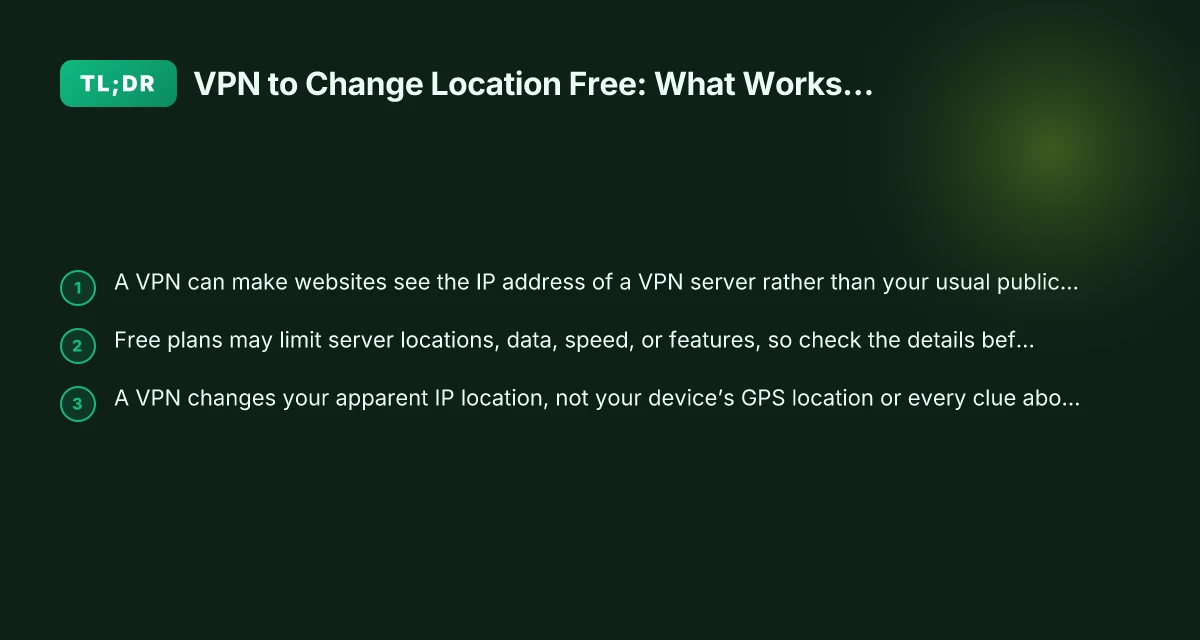
A VPN to change location free can help make your internet connection appear to come from a different region. It routes your traffic through a VPN server, so many websites see the server’s IP address instead of your usual one. Whether you can choose a particular country depends on the provider’s free plan.
Free VPNs are not all alike. Some restrict data or available locations. Others may offer more generous access but require careful checking of their privacy practices. Here’s how to understand what a free VPN can change, compare your options, and avoid common surprises.
| VPN | Obfuscation | From / month | Plan | Free plan | Refund | Alipay | UnionPay | Crypto | Website opens in China | Trustpilot | |
|---|---|---|---|---|---|---|---|---|---|---|---|
 Proton VPN | Turn on manually Stealth, free plan too | $2.99/mo | 12 months: $35.88 | Yes | 30 days | ✗ | ✗ | ✗ | ✓ | ✗ Blocked | 2.1/5 (1,040 reviews) |
 ZoogVPN | Turn on manually Shadow | $2.49/mo | 27 months: $59.99 | Yes | 7 days | ✓ | ✓ | ✓ | ✓ | Official site blocked; our special link opens (4.4 s) | 4.2/5 (195 reviews) |
 NordVPN | Turn on manually Obfuscated Servers / NordWhisper | $3.49/mo | 27 months: $94.23 | No | 30 days | ? | ✗ | ✓ | ✓ | ✗ Blocked | 4.2/5 (51,628 reviews) |
 ExpressVPN | ✓ On by default all servers | $3.00/mo | 28 months: $84 | No | 30 days | ✗ | ✗ | ✓ | ✗ | ✗ Blocked | 4.4/5 (29,706 reviews) |
 Surfshark | ✓ On by default Camouflage, with OpenVPN | See site | See site | No | 30 days | ✗ | ✗ | ✗ | ✓ | ✗ Blocked | 4.3/5 (31,823 reviews) |
 Astrill VPN | Turn on manually StealthVPN / OpenWeb | $12.50/mo | 24 months: $300 | No | See site | ✗ | ✗ | ✗ | ✓ | ✗ Blocked | 1.3/5 (110 reviews) |
 Private Internet Access | Turn on manually Shadowsocks, OpenVPN only | $2.03/mo | 40 months: $81.2 | No | 30 days | ✗ | ✗ | ✗ | ✗ | ✗ Blocked | 4.2/5 (11,033 reviews) |
 CyberGhost | Turn on manually selected servers | $2.19/mo | 28 months: $61.32 | No | 45 days | ✗ | ✗ | ✗ | ✓ | ✗ Blocked | 4.0/5 (24,178 reviews) |
 PureVPN | Turn on manually switch to OpenVPN | $1.69/mo | 60 months: $101.55 | No | 31 days | ? | ? | ✗ | ✓ | ✗ Blocked | 4.4/5 (17,994 reviews) |
 AdGuard VPN | ✓ On by default TrustTunnel | $2.99/mo | 24 months: $71.76 | Yes | 30 days | ✓ | ✗ | ✓ | ✓ | Official site blocked; our special link opens (3.7 s) | 4.3/5 (290 reviews) |
 Mullvad | Turn on manually QUIC / Shadowsocks / LWO | $5.61/mo | €5/mo | No | 14 days | ✗ | ✗ | ✗ | ✓ | ✗ Blocked | 3.2/5 (192 reviews) |
 Windscribe | Turn on manually Stealth / WStunnel | $5.75/mo | 12 months: $69 | Yes | See site | ✗ | ✗ | ✗ | ✓ | ✗ Blocked | 4.7/5 (13,355 reviews) |
 StrongVPN | Turn on manually Scramble, OpenVPN TCP | See site | See site | No | 30 days | ✓ | ✗ | ✗ | ✗ | ✗ Blocked | 4.4/5 (2,695 reviews) |
 LightXtreme 闪连 | Not listed | $7.08/mo | 12 months: $84.99 | Yes | 30 days | ✓ | ✓ | ✓ | ✓ | ✓ Yes (3.5 s) | No page |
Prices checked 2026-11-10 on each vendor's pricing page (cheapest long plan, USD). Check the vendor's checkout for the final price.
Obfuscation checked 2026-11-14 on each vendor's site and help center: "on by default" = nothing to set; "turn on manually" = switch protocol or mode in settings; "not listed" = the vendor describes no obfuscation.
Payment methods checked 2026-11-10 on each vendor's payment pages: all 14 take cards and PayPal; ✗ = not listed, ? = the vendor's own pages disagree.
China access: whether the official website opens from mainland China networks (tests the website only, not the VPN connection). Last checked 2026-11-18 01:02 Beijing time.
Trustpilot score and review count checked 2026-11-10.
Editor's pick: NordVPN — fast, secure VPN — Strong encryption, a no-logs policy and apps for every device. 30-day money-back guarantee. Get NordVPN →
Free VPN options for changing your IP location
| Option | Can change IP location? | What to check | Best for |
|---|---|---|---|
| Free VPN with multiple regions | Yes, to listed regions | Region availability and limits | Trying another country |
| Free VPN with one region | Yes, to its available region | Whether the region fits your needs | Basic IP change |
| Free plan with server selection limits | Yes, where selection is allowed | How server choice works | Occasional use |
| Free VPN with a data cap | Yes, while data is available | Data allowance and reset rules | Short sessions |
| Free VPN with a speed cap | Yes, but performance may vary | Speed limits and congestion | Non-urgent browsing |
| Free trial of a paid VPN | Yes, subject to trial terms | Trial length and renewal terms | Testing paid features |
| Browser proxy | Sometimes, for browser traffic | Which apps and traffic it covers | Browser-only tasks |
| GPS-spoofing app | No, not by itself for IP location | App permissions and device support | Changing GPS-reported location |
Compiled November 2026; check the provider's site for current details.
What changing your location with a VPN means
When you connect to a VPN, your internet traffic passes through a server operated by the VPN provider. Websites and apps that use your IP address to estimate your location may then associate your connection with the server’s location.
This can be useful when you want more privacy on a network or when you want to see how a site behaves for visitors connecting from another region. However, a VPN does not physically move your device or change every signal that services can use.
A VPN generally changes your apparent IP-based location. It does not necessarily change:
- GPS location reported by a phone or app
- Your account’s saved country, billing address, or profile settings
- Location clues from cookies, browser settings, or previously stored data
- The region assigned to a service by its own account or licensing rules
So if an app asks for location access, a VPN alone may not alter the location it receives from your device. How Can I Tell If a VPN Is Blocking My Internet?
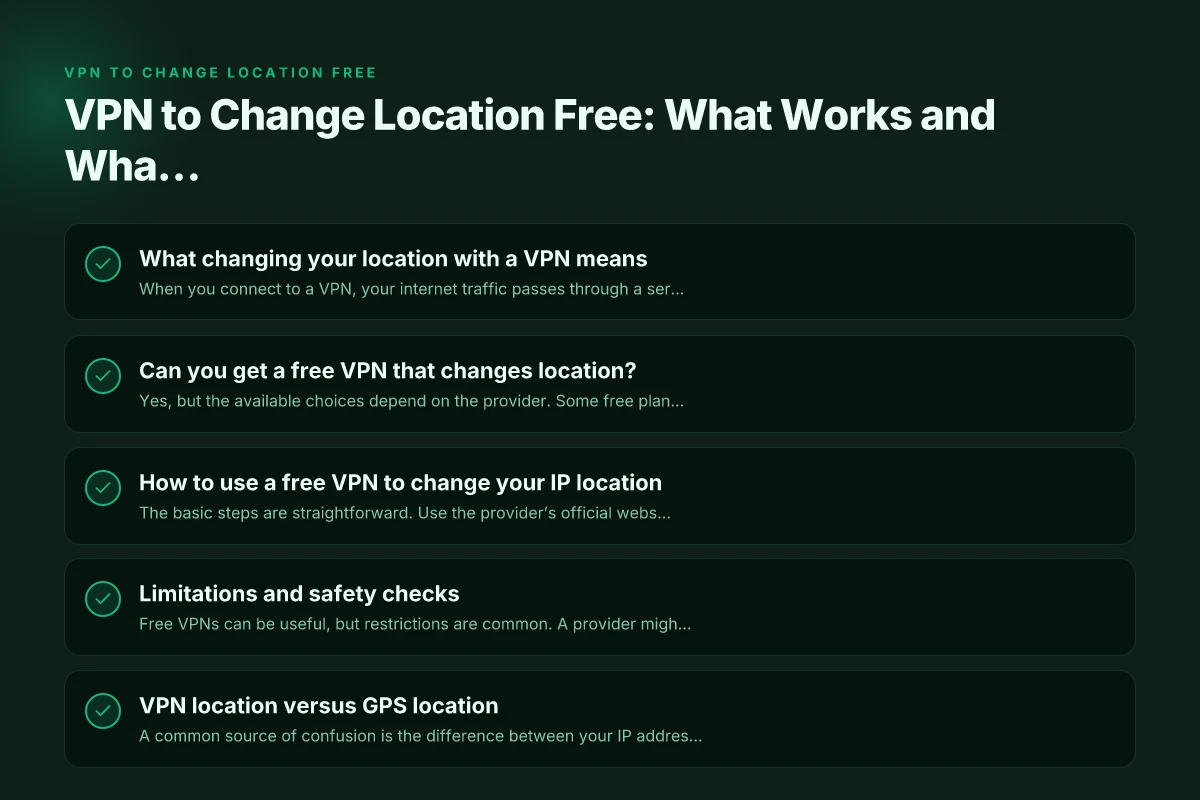
Can you get a free VPN that changes location?
Yes, but the available choices depend on the provider. Some free plans let you choose from a selection of server locations. Others automatically connect you to a server, or reserve country selection for paid plans.
For example, Proton VPN says its free plan has no data limit, ads, or logs of user activity. Its free-plan location options and other features should still be checked on the provider’s current plan page. UrbanVPN advertises access to 82 VPN countries and unlimited location switches, but treat promotional claims as a starting point: review its privacy information, app permissions, and terms before using it.
Free does not automatically mean unsafe, and paid does not automatically mean suitable. The important question is whether a provider’s actual policies and features fit your needs.
| What to compare | Why it matters |
|---|---|
| Country selection | A free plan may offer only a subset of the provider’s locations. |
| Data allowance | Streaming, downloads, and extended browsing can use substantial data. |
| Privacy policy | Check what connection or activity information the provider collects. |
| Ads and app permissions | Understand whether the app shows ads or requests access it does not need. |
| Speed and reliability | Busy free servers may be slower or less consistent. |
| Device support | Confirm the app works on your phone, computer, or other device. |
How to use a free VPN to change your IP location NordVPN Windows: How to Download, Install, and Use It
| Step | What to do | What to check | Expected result |
|---|---|---|---|
| 1 | Choose a reputable VPN provider | Privacy policy and provider reputation | A service to evaluate |
| 2 | Review its free-plan terms | Regions, data, speed, and limits | Clear expectations |
| 3 | Install the official app | Publisher and requested permissions | App ready to use |
| 4 | Sign in or create an account if required | Account and trial conditions | Access to the service |
| 5 | Select an available server region | Whether the region is included for free | A chosen VPN endpoint |
| 6 | Connect to the server | Connection status in the app | Traffic routed through the VPN |
| 7 | Check your public IP location | Use a trusted IP-checking service | An IP location associated with the VPN |
| 8 | Disconnect when finished | Whether the VPN has fully disconnected | Return to your normal connection |
Compiled November 2026; check the provider's site for current details.
How to use a free VPN to change your IP location
The basic steps are straightforward. Use the provider’s official website or your device’s trusted app store to find its app, then review the plan and privacy details before installing.
- Create an account if the provider requires one.
- Open the VPN app and review its permissions.
- Choose a country or server from the locations available on the free plan.
- Connect, then check that the app reports an active VPN connection.
- Visit a reputable IP-checking service to see whether your apparent IP location has changed.
If the country you want is missing, the free plan may not include it. Avoid downloading unofficial “modified” VPN apps or configuration files from unfamiliar sources just to access a different location.
Limitations and safety checks
Free VPNs can be useful, but restrictions are common. A provider might limit the number of locations, connection speed, simultaneous devices, or monthly data. Some services may also make it harder to use certain streaming, shopping, or banking websites. Microsoft Edge Secure Network VPN Reviews: Is It Safe and Worth Using?
Before relying on a VPN, check:
- Logging and privacy: Read what data is collected, why it is collected, and how long it is kept. “No logs” claims should be assessed alongside the provider’s privacy policy.
- Business model: Find out how the service supports itself. Be cautious if the explanation is unclear.
- Security features: Look for a clear description of encryption, connection protection, and what happens if the VPN disconnects.
- Terms of use: A VPN does not override a website’s rules, regional licensing, or account requirements.
- Performance: Test the connection for your intended task. Free servers can become crowded.
Do not assume that using a VPN makes you completely anonymous. It shifts some trust from your internet provider or local network to the VPN provider. You still need to protect your accounts, use secure websites, and avoid sharing sensitive information with services you do not trust.
VPN location versus GPS location
A common source of confusion is the difference between your IP address and your device’s location sensors. A VPN can change the IP address a website sees, but a phone app may use GPS, nearby Wi-Fi networks, or other device signals to estimate where you are.
If you only need to change the IP-based region, a VPN may be enough. If an app relies on GPS or account settings, a VPN may not affect its result. Avoid granting location permission unless the app needs it, and review your device’s location controls rather than assuming a VPN changes them. Nord VPN in China: What to Know Before You Travel
VPN IP location versus GPS location
| Check | VPN changes it? | What it represents | How to verify or manage it |
|---|---|---|---|
| Public IP location | Yes | Location estimated from your internet-facing IP | Check your public IP |
| GPS location | No | Device location from satellite signals | Review device location settings |
| Wi-Fi-based location | No, not directly | Location inferred from nearby networks | Check app and device permissions |
| Mobile network location | No, not directly | Location inferred from cellular networks | Review carrier and device settings |
| Browser location access | No, not by itself | Location shared through browser permission | Review site permissions |
| App location access | No, not by itself | Location shared with an app | Review app permissions |
| Website region estimate | Sometimes | A location inferred from IP or other signals | Check the site’s location method |
| Streaming availability | Not guaranteed | Access determined by a service’s rules and checks | Review service terms and test access |
Compiled November 2026; check the provider's site for current details.
Recommendation
A free VPN can change your apparent IP location when its free plan offers a server in the country you need. Start by comparing available locations, data limits, privacy policies, and app permissions. For a straightforward privacy-focused option, review Proton VPN’s free plan. If considering a service advertising a large location selection, such as UrbanVPN, examine its current terms and privacy details first. Choose based on transparent policies and the features you actually need, not simply the word “free.”