Nord VPN in China: What to Know Before You Travel

Learn whether NordVPN works in China, how to prepare, and what alternatives and legal considerations to keep in mind.
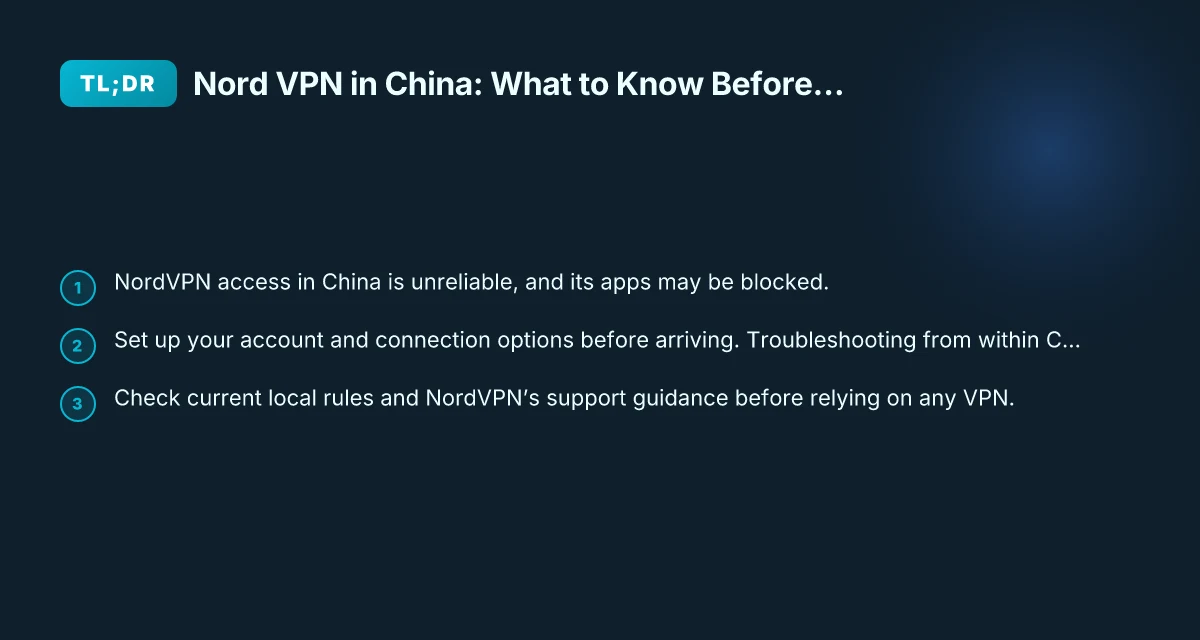
Nord VPN in China is not something travelers should count on working consistently. NordVPN says users may have connection problems there, and its support pages report that the Android and iOS apps are blocked. If you plan to use it, prepare before travel, review NordVPN’s current setup instructions, and have a backup way to access essential services.

Editor's pick: NordVPN — fast, secure VPN — Strong encryption, a no-logs policy and apps for every device. 30-day money-back guarantee. Get NordVPN →
China travel VPN readiness checklist
| Item | Before departure | At arrival | Why it matters |
|---|---|---|---|
| Install NordVPN | Install and test the app | Open the installed app | App access may be restricted |
| Sign in | Confirm your account works | Use your saved credentials | Avoid account setup delays |
| Update the app | Install the latest version | Check for available updates | Updates can improve compatibility |
| Connection options | Review available protocols | Try another option if needed | Connections may vary |
| Support details | Save help information | Contact support if needed | Troubleshooting may be harder |
| Internet access | Check your travel connectivity plan | Connect to a working network | VPN needs an internet connection |
| Local requirements | Review current guidance | Follow applicable rules | Laws and enforcement can change |
Compiled November 2026; check the provider's site for current details.
| VPN | Obfuscation | From / month | Plan | Free plan | Refund | Alipay | UnionPay | Crypto | Website opens in China | Trustpilot | |
|---|---|---|---|---|---|---|---|---|---|---|---|
 NordVPN | Turn on manually Obfuscated Servers / NordWhisper | $3.49/mo | 27 months: $94.23 | No | 30 days | ? | ✗ | ✓ | ✓ | ✗ Blocked | 4.2/5 (51,628 reviews) |
 ZoogVPN | Turn on manually Shadow | $2.49/mo | 27 months: $59.99 | Yes | 7 days | ✓ | ✓ | ✓ | ✓ | Official site blocked; our special link opens (4.4 s) | 4.2/5 (195 reviews) |
 ExpressVPN | ✓ On by default all servers | $3.00/mo | 28 months: $84 | No | 30 days | ✗ | ✗ | ✓ | ✗ | ✗ Blocked | 4.4/5 (29,706 reviews) |
 Surfshark | ✓ On by default Camouflage, with OpenVPN | See site | See site | No | 30 days | ✗ | ✗ | ✗ | ✓ | ✗ Blocked | 4.3/5 (31,823 reviews) |
 Proton VPN | Turn on manually Stealth, free plan too | $2.99/mo | 12 months: $35.88 | Yes | 30 days | ✗ | ✗ | ✗ | ✓ | ✗ Blocked | 2.1/5 (1,040 reviews) |
 Astrill VPN | Turn on manually StealthVPN / OpenWeb | $12.50/mo | 24 months: $300 | No | See site | ✗ | ✗ | ✗ | ✓ | ✗ Blocked | 1.3/5 (110 reviews) |
 Private Internet Access | Turn on manually Shadowsocks, OpenVPN only | $2.03/mo | 40 months: $81.2 | No | 30 days | ✗ | ✗ | ✗ | ✗ | ✗ Blocked | 4.2/5 (11,033 reviews) |
 CyberGhost | Turn on manually selected servers | $2.19/mo | 28 months: $61.32 | No | 45 days | ✗ | ✗ | ✗ | ✓ | ✗ Blocked | 4.0/5 (24,178 reviews) |
 PureVPN | Turn on manually switch to OpenVPN | $1.69/mo | 60 months: $101.55 | No | 31 days | ? | ? | ✗ | ✓ | ✗ Blocked | 4.4/5 (17,994 reviews) |
 AdGuard VPN | ✓ On by default TrustTunnel | $2.99/mo | 24 months: $71.76 | Yes | 30 days | ✓ | ✗ | ✓ | ✓ | Official site blocked; our special link opens (3.7 s) | 4.3/5 (290 reviews) |
 Mullvad | Turn on manually QUIC / Shadowsocks / LWO | $5.61/mo | €5/mo | No | 14 days | ✗ | ✗ | ✗ | ✓ | ✗ Blocked | 3.2/5 (192 reviews) |
 Windscribe | Turn on manually Stealth / WStunnel | $5.75/mo | 12 months: $69 | Yes | See site | ✗ | ✗ | ✗ | ✓ | ✗ Blocked | 4.7/5 (13,355 reviews) |
 StrongVPN | Turn on manually Scramble, OpenVPN TCP | See site | See site | No | 30 days | ✓ | ✗ | ✗ | ✗ | ✗ Blocked | 4.4/5 (2,695 reviews) |
 LightXtreme 闪连 | Not listed | $7.08/mo | 12 months: $84.99 | Yes | 30 days | ✓ | ✓ | ✓ | ✓ | ✓ Yes (3.5 s) | No page |
Prices checked 2026-11-10 on each vendor's pricing page (cheapest long plan, USD). Check the vendor's checkout for the final price.
Obfuscation checked 2026-11-14 on each vendor's site and help center: "on by default" = nothing to set; "turn on manually" = switch protocol or mode in settings; "not listed" = the vendor describes no obfuscation.
Payment methods checked 2026-11-10 on each vendor's payment pages: all 14 take cards and PayPal; ✗ = not listed, ? = the vendor's own pages disagree.
China access: whether the official website opens from mainland China networks (tests the website only, not the VPN connection). Last checked 2026-11-18 01:02 Beijing time.
Trustpilot score and review count checked 2026-11-10.
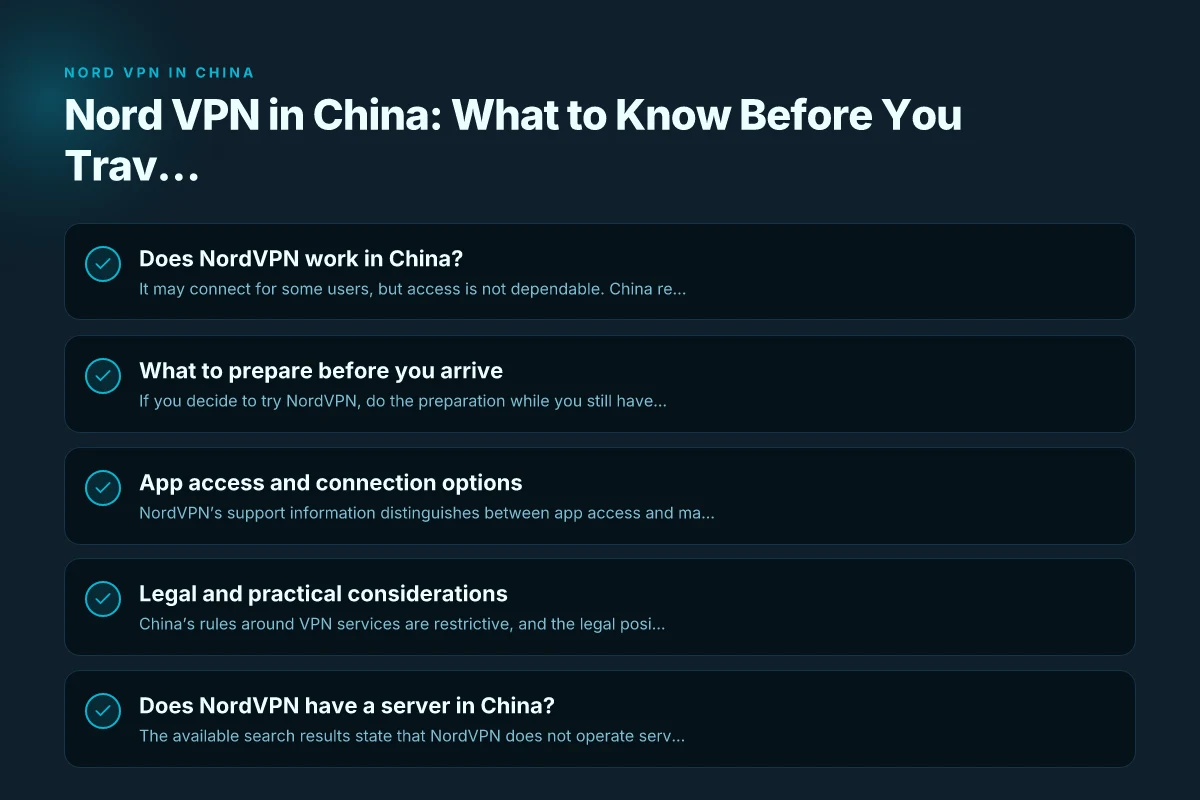
Does NordVPN work in China?
It may connect for some users, but access is not dependable. China restricts VPN use, and network controls can interfere with VPN connections and apps. Reports from travelers also describe inconsistent results, so a successful connection for one person does not guarantee it will work for another.
NordVPN’s own troubleshooting guidance acknowledges that users may be unable to connect from China. For Android and iOS, its support pages say the NordVPN apps are fully blocked and describe manual IKEv2/IPsec setup as an option. That setup is not a guarantee of success: connections can still be disrupted, and instructions or availability may change.
In practical terms, treat NordVPN as a possible tool rather than a reliable way to stay connected throughout a trip.
What to prepare before you arrive
If you decide to try NordVPN, do the preparation while you still have access to the company’s website, app stores, and support pages. Once in China, those resources may be difficult to reach. Does Microsoft Edge Have VPN? What Edge Secure Network Does
Before departure:
- Create your account and install the app on each device you plan to bring.
- Sign in and check that the app and your account work.
- Read NordVPN’s latest China-specific troubleshooting guidance.
- For Android or iOS, review its manual IKEv2/IPsec instructions before travel.
- Save relevant setup details and support information somewhere accessible offline.
- Keep essential contacts, travel documents, maps, and bookings available without a VPN.
Do not assume that installing the app in advance will be enough. The app may be blocked, and a connection method that works at home might not work on a restricted network.
App access and connection options
NordVPN’s support information distinguishes between app access and manual connection setup. Its Android and iOS apps are described as blocked in China, with manual IKEv2/IPsec setup offered as an alternative. Follow the provider’s current instructions carefully, since device settings and support guidance can change.
| Option | What to expect in China | What to do before travel |
|---|---|---|
| NordVPN app on Android or iOS | NordVPN says the apps are fully blocked | Install in advance and review the manual setup instructions |
| Manual IKEv2/IPsec connection | A suggested workaround, but not a promise of access | Save and follow NordVPN’s current device-specific guidance |
| VPN access generally | Can be disrupted or unavailable | Prepare offline access to essential information |
Avoid relying on old setup tutorials or unofficial configuration files. Use NordVPN’s current support material, and contact its support team before departure if you need help understanding the steps. How to Enable VPN in Edge: Turn On Microsoft Edge Secure Network
Legal and practical considerations
China’s rules around VPN services are restrictive, and the legal position can depend on the service and circumstances. Search results identify government licensing as a relevant issue, but this does not settle what is permitted for every visitor or use case. Do not interpret a VPN provider’s availability as confirmation that using it is lawful.
Before traveling, check current official guidance from your government and relevant Chinese authorities. If you are unsure whether a particular use is allowed, seek qualified legal advice. Also consider your organization’s policies if you are traveling for work.
A VPN is not a substitute for basic digital safety. Use strong, unique passwords, enable account security features where available, and avoid sending sensitive information over networks you do not trust.
NordVPN in China: key decision points VPN Extension Edge: How to Choose and Use One Safely
| Decision point | What to know | Practical takeaway | Check before travel |
|---|---|---|---|
| Will it work? | Access and reliability can vary | Do not rely on guaranteed access | Current service guidance |
| App availability | VPN apps may be restricted | Install and test in advance | App access where you are traveling |
| Connection method | Options may behave differently | Be ready to try alternatives | Available settings in the app |
| NordVPN servers in China | A China-based server is not assured | Do not assume local server availability | NordVPN’s current server list |
| Legal considerations | Rules vary and may change | Check official local guidance | Applicable laws and requirements |
| Troubleshooting | Connectivity may be inconsistent | Keep support details available | Support access and instructions |
| Travel recommendation | Preparation reduces avoidable delays | Set up before departure | Account, app, and connection options |
Compiled November 2026; check the provider's site for current details.
Does NordVPN have a server in China?
The available search results state that NordVPN does not operate servers in mainland China. That is separate from whether a traveler can connect from China to a server elsewhere: having no local server does not itself determine whether an outbound VPN connection will work.
Do not choose NordVPN on the assumption that it provides a mainland China server. Check NordVPN’s current server list directly if server locations are important to your plans.
Recommendation
For travel to China, do not rely on NordVPN as your only connection option. Prepare your account and devices before departure, review NordVPN’s latest manual setup guidance, and make sure essential information is available offline. Because access can be blocked or unreliable and rules may change, check current legal guidance and arrange a backup that does not depend on a VPN. OVPN File: What It Is, How to Open It, and How to Use It