VPN glossary

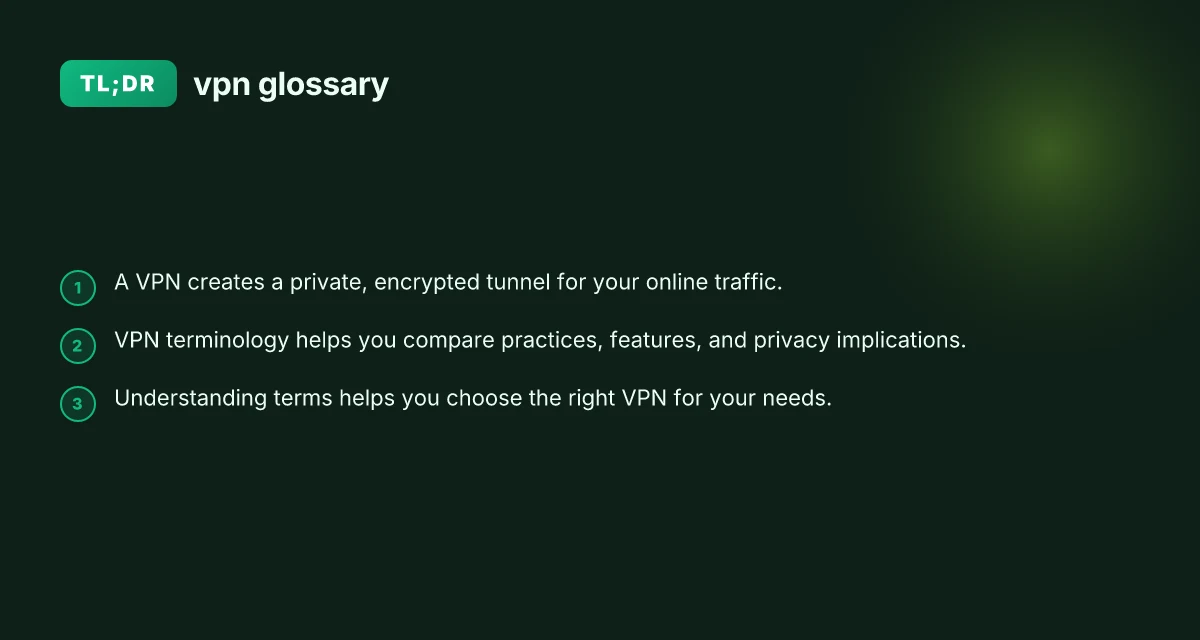
A clear, practical VPN glossary that explains common terms and concepts for users and beginners.
An introduction to the glossary If you’re shopping for a VPN or just trying to understand what you’re reading online, a solid grasp of VPN terms makes a big difference. This glossary collects common words and phrases you’re likely to encounter, with plain-language explanations and practical hints. Use it as a reference whenever you encounter unfamiliar VPN jargon.

Core concepts and basic terms
- VPN: Virtual Private Network. A service that creates an encrypted connection (tunnel) between your device and a VPN server, masking your IP address and protecting data in transit.
- IP address: A numeric label assigned to devices on a network. With a VPN, your real IP is replaced by the VPN server’s IP.
- Encryption: The process of encoding data so that it can only be read by someone with the correct key. Stronger encryption means harder to decrypt.
- Tunneling protocol: The method by which data is wrapped and sent through the VPN. Common examples include OpenVPN, WireGuard, and IKEv2.
- Server: A remote computer operated by the VPN provider that your traffic passes through. Servers are located in many countries for geolocation needs.
- Latency: The delay between sending a request and receiving the response. VPNs can add latency due to routing and encryption.
- Bandwidth: The amount of data that can be transferred over the VPN connection in a given time. Some providers limit this, though many offer unlimited plans.
- Kill switch: A safety feature that blocks internet access if the VPN connection drops, preventing data leaks.
- DNS leak: When a DNS request reveals your real location or IP even while connected to a VPN. Reputable VPNs minimize or prevent this.
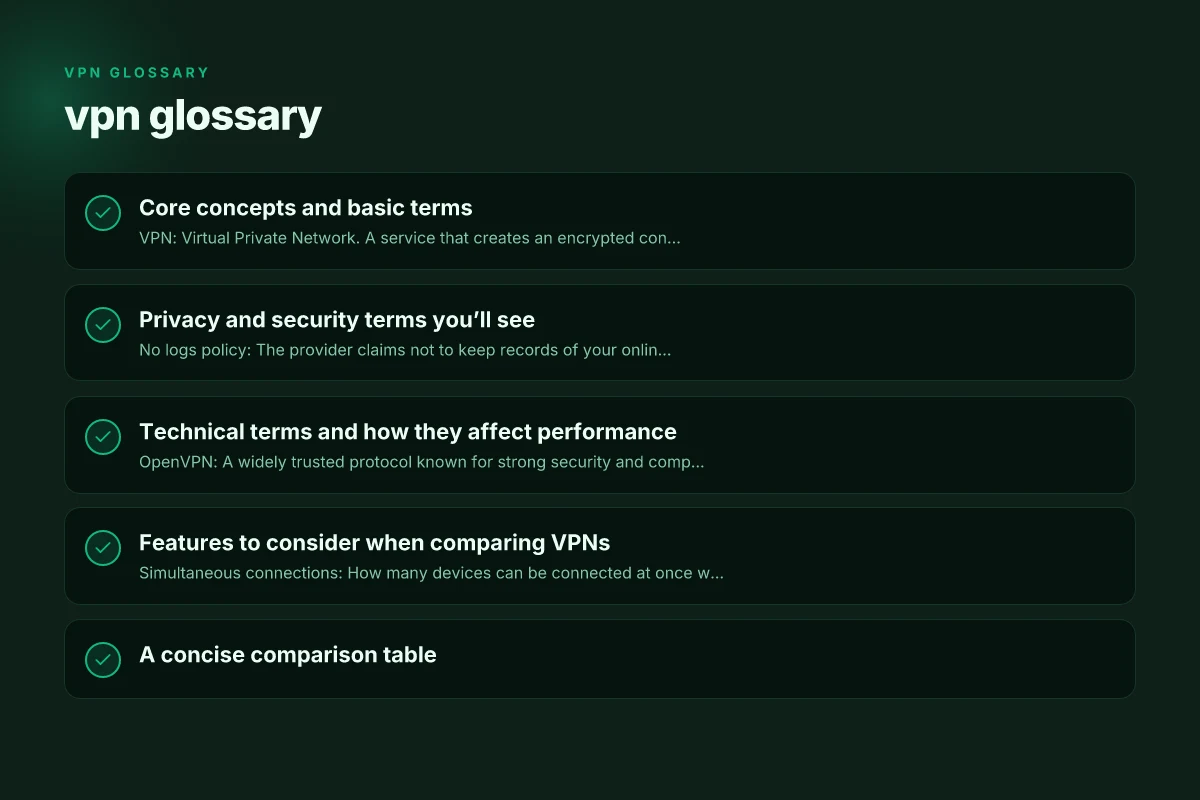
Privacy and security terms you’ll see
- No logs policy: The provider claims not to keep records of your online activity or connection metadata. Check for independent audits and exact scope (traffic, timestamps, session data).
- Anonymous payment: The ability to pay without revealing your identity, often via cryptocurrencies or gift cards. It’s a privacy layer, not a guarantee.
- Multi-hop (or double VPN): Routing your traffic through two or more VPN servers for extra anonymity. Usually slower but adds protection against tracking.
- Onion over VPN: A setup where your traffic is routed through the VPN first, then through the Tor network for additional anonymity.
- Shared IP vs. dedicated IP: Shared IP means many users appear from the same IP. A dedicated IP is reserved for one user, reducing captchas and improving certain access needs.
- Jurisdiction: The country under which the VPN provider operates. This matters for data retention laws and government access.
- Data retention laws: Legal requirements that compel providers to store certain data. Terms vary by country and service.
Technical terms and how they affect performance
- OpenVPN: A widely trusted protocol known for strong security and compatibility but sometimes slower than newer options.
- WireGuard: A modern, lean protocol praised for speed and simplicity, often outperforming older protocols.
- IKEv2/IPsec: A fast, stable protocol, especially good on mobile devices for quick reconnects.
- UDP/TCP: Transport layer protocols. UDP is typically faster, used by many VPNs, while TCP may be more reliable in lossy networks.
- MTU (Maximum Transmission Unit): The largest packet size that can be transmitted. Misconfigured MTU can cause fragmentation and slowdowns.
- PFS (Perfect Forward Secrecy): A feature ensuring session keys are not compromised even if the server is breached in the future.
- AES-256: A common encryption standard. “AES-256-GCM” is often used for both encryption and authentication.
- DNS management: How a VPN handles DNS requests. Proper DNS routing avoids leaks of your real location.
Features to consider when comparing VPNs
- Simultaneous connections: How many devices can be connected at once with one account.
- Split tunneling: The ability to send some traffic through the VPN while other traffic goes direct to the internet.
- Ad and malware blocking: Some VPNs include built-in protection against ads and malicious sites.
- Obfuscated servers: Servers designed to hide VPN usage from network observers, useful in restrictive networks.
- Port selection and protocols: Some services allow you to choose tunneling protocols or ports for compatibility.
- Customer support and transparency: Look for live chat, knowledge bases, and independent security audits.
- Device compatibility: Availability of apps for Windows, macOS, iOS, Android, Linux, routers, and browser extensions.
A concise comparison table
| Term | What it does | Practical impact | Common trade-offs |
|---|---|---|---|
| OpenVPN | A secure, established protocol | Strong compatibility; solid security | May be slower on some networks |
| WireGuard | A fast, modern protocol | Often best speed and simplicity | Newer; fewer mature audit reports in some cases |
| IKEv2/IPsec | Fast reconnection, good mobile support | Great for mobile devices | Varies by implementation; server support matters |
| DNS leak protection | Prevents real DNS from leaking | Keeps location private at the DNS layer | Only effective if enabled and correctly configured |
| Kill switch | Blocks traffic if VPN drops | Prevents data leaks on disconnect | Can cause app-level connectivity issues if not managed |
| Split tunneling | Route some traffic outside VPN | Flexible for streaming/local access | Potential security risk if misused |
How to read a VPN glossary in practice
- If a feature line says “OpenVPN over UDP,” know that UDP tends to be faster but less reliable in lossy networks than TCP.
- When “no-logs” is claimed, look for specifics. Some providers log connection metadata but not content. Others log nothing at all.
- If you see “multi-hop” or “double VPN,” weigh the trade-off: more privacy but added latency.
- For “dedicated IP,” consider whether you actually need a fixed IP for access to certain services or for reducing captcha repetition.
Common misunderstandings and clarifications
- A VPN does not make you completely anonymous: It hides your activity from your ISP and local networks, but the VPN provider can see traffic data, unless you use features like no-logs and audits.
- VPNs aren’t a substitute for secure practices: Use strong passwords, enable two-factor authentication, and keep devices updated.
- Free VPNs aren’t inherently safe: They may monetize user data or sell bandwidth. They also often have limited features and weaker security.
- Tor is not a VPN: Tor aims for anonymity through a network of relays. Combining with a VPN changes threat models and can add benefits or complications depending on the setup.
Best practices for choosing and using a VPN
- Define your goals: privacy, access to geo-restricted content, or secure work-from-anywhere access.
- Check jurisdiction and logs: Prefer providers headquartered in privacy-friendly jurisdictions with transparent policies and independent audits.
- Test performance: Try speed tests and latency measurements at different times of day. Some providers offer trial periods.
- Inspect client features: Ensure kill switch, DNS leak protection, split tunneling, and multi-hop if you need them.
- Review terms and audits: Look for third-party security audits and clear data handling disclosures.
Short guidance for different user types
- General privacy-conscious user: Prioritize a no-logs policy, strong encryption (AES-256-GCM), and DNS leak protection.
- Streamer or traveler: Focus on fast protocols (WireGuard), fast servers, reliable mobile support, and obfuscated servers if you’re in a restricted network.
- Business or remote worker: Consider multi-device coverage, business-grade security features, dedicated IP options, and robust admin controls.
Final recommendations
- Start with a clear need: privacy, security, or access. Your goal guides the choice of protocol and features.
- Favor modern protocols like WireGuard for speed and simplicity, while ensuring your provider offers strong privacy practices and transparent audits.
- Prioritize transparency: look for independent audits, clear data policies, and responsive customer support.
- Test before you commit: use a trial or money-back guarantee to see how the service performs on your devices and networks.
- Don't skimp on security basics: enable the kill switch, DNS leak protection, and keep apps updated.
If you’d like, I can tailor this glossary to a specific VPN provider or target audience (gamers, travelers, journalists, or enterprise teams) and add more practical examples or quick-start steps.
| VPN | Obfuscation | From / month | Plan | Free plan | Refund | Alipay | UnionPay | Crypto | Website opens in China | Trustpilot | |
|---|---|---|---|---|---|---|---|---|---|---|---|
 ZoogVPN | Turn on manually Shadow | $2.49/mo | 27 months: $59.99 | Yes | 7 days | ✓ | ✓ | ✓ | ✓ | Official site blocked; our special link opens (4.4 s) | 4.2/5 (195 reviews) |
 NordVPN | Turn on manually Obfuscated Servers / NordWhisper | $3.49/mo | 27 months: $94.23 | No | 30 days | ? | ✗ | ✓ | ✓ | ✗ Blocked | 4.2/5 (51,628 reviews) |
 ExpressVPN | ✓ On by default all servers | $3.00/mo | 28 months: $84 | No | 30 days | ✗ | ✗ | ✓ | ✗ | ✗ Blocked | 4.4/5 (29,706 reviews) |
 Surfshark | ✓ On by default Camouflage, with OpenVPN | See site | See site | No | 30 days | ✗ | ✗ | ✗ | ✓ | ✗ Blocked | 4.3/5 (31,823 reviews) |
 Proton VPN | Turn on manually Stealth, free plan too | $2.99/mo | 12 months: $35.88 | Yes | 30 days | ✗ | ✗ | ✗ | ✓ | ✗ Blocked | 2.1/5 (1,040 reviews) |
 Astrill VPN | Turn on manually StealthVPN / OpenWeb | $12.50/mo | 24 months: $300 | No | See site | ✗ | ✗ | ✗ | ✓ | ✗ Blocked | 1.3/5 (110 reviews) |
 Private Internet Access | Turn on manually Shadowsocks, OpenVPN only | $2.03/mo | 40 months: $81.2 | No | 30 days | ✗ | ✗ | ✗ | ✗ | ✗ Blocked | 4.2/5 (11,033 reviews) |
 CyberGhost | Turn on manually selected servers | $2.19/mo | 28 months: $61.32 | No | 45 days | ✗ | ✗ | ✗ | ✓ | ✗ Blocked | 4.0/5 (24,178 reviews) |
 PureVPN | Turn on manually switch to OpenVPN | $1.69/mo | 60 months: $101.55 | No | 31 days | ? | ? | ✗ | ✓ | ✗ Blocked | 4.4/5 (17,994 reviews) |
 AdGuard VPN | ✓ On by default TrustTunnel | $2.99/mo | 24 months: $71.76 | Yes | 30 days | ✓ | ✗ | ✓ | ✓ | Official site blocked; our special link opens (3.7 s) | 4.3/5 (290 reviews) |
 Mullvad | Turn on manually QUIC / Shadowsocks / LWO | $5.61/mo | €5/mo | No | 14 days | ✗ | ✗ | ✗ | ✓ | ✗ Blocked | 3.2/5 (192 reviews) |
 Windscribe | Turn on manually Stealth / WStunnel | $5.75/mo | 12 months: $69 | Yes | See site | ✗ | ✗ | ✗ | ✓ | ✗ Blocked | 4.7/5 (13,355 reviews) |
 StrongVPN | Turn on manually Scramble, OpenVPN TCP | See site | See site | No | 30 days | ✓ | ✗ | ✗ | ✗ | ✗ Blocked | 4.4/5 (2,695 reviews) |
 LightXtreme 闪连 | Not listed | $7.08/mo | 12 months: $84.99 | Yes | 30 days | ✓ | ✓ | ✓ | ✓ | ✓ Yes (3.5 s) | No page |
Prices checked 2026-11-10 on each vendor's pricing page (cheapest long plan, USD). Check the vendor's checkout for the final price.
Obfuscation checked 2026-11-14 on each vendor's site and help center: "on by default" = nothing to set; "turn on manually" = switch protocol or mode in settings; "not listed" = the vendor describes no obfuscation.
Payment methods checked 2026-11-10 on each vendor's payment pages: all 14 take cards and PayPal; ✗ = not listed, ? = the vendor's own pages disagree.
China access: whether the official website opens from mainland China networks (tests the website only, not the VPN connection). Last checked 2026-11-18 01:02 Beijing time.
Trustpilot score and review count checked 2026-11-10.