Big IP F5 VPN: How BIG-IP Remote Access Works
Learn how F5 BIG-IP supports enterprise VPN access, which clients are available, and what to consider before connecting.
F5 BIG-IP can support a VPN for secure remote access when an organization uses BIG-IP Access Policy Manager (APM). APM supports both SSL VPN and IPsec VPN, allowing authorized users to connect to enterprise networks and applications. It is not a consumer VPN service that you can independently subscribe to: access depends on an organization’s F5 deployment, account, and configuration.
Editor's pick: NordVPN — fast, secure VPN — Strong encryption, a no-logs policy and apps for every device. 30-day money-back guarantee. Get NordVPN →
BIG-IP APM remote-access options
| Option | What it provides | Typical use | Client or setup | Key consideration |
|---|---|---|---|---|
| Network access | VPN-style access to network resources | Remote access to internal systems | BIG-IP Edge Client or supported browser setup | Access depends on administrator policy |
| Application access | Access to selected web applications | Browser-based business apps | F5 Access or browser | Does not necessarily provide broad network access |
| Portal access | A portal for published applications and links | Centralized access to approved resources | Browser | Available resources are configured by the organization |
| F5 Access | Access to BIG-IP-protected resources | Mobile or supported device access | F5 Access app | Requires compatible BIG-IP configuration |
| BIG-IP Edge Client | Network-access client for BIG-IP | Managed remote-work devices | Edge Client app | Requires an organization-provided configuration |
| Browser-based access | Access through a web browser | Supported web applications | Compatible browser | Features depend on the BIG-IP setup |
Compiled November 2026; check the provider's site for current details.
| VPN | Obfuscation | From / month | Plan | Free plan | Refund | Alipay | UnionPay | Crypto | Website opens in China | Trustpilot | |
|---|---|---|---|---|---|---|---|---|---|---|---|
 ZoogVPN | Turn on manually Shadow | $2.49/mo | 27 months: $59.99 | Yes | 7 days | ✓ | ✓ | ✓ | ✓ | Official site blocked; our special link opens (4.4 s) | 4.2/5 (195 reviews) |
 NordVPN | Turn on manually Obfuscated Servers / NordWhisper | $3.49/mo | 27 months: $94.23 | No | 30 days | ? | ✗ | ✓ | ✓ | ✗ Blocked | 4.2/5 (51,628 reviews) |
 ExpressVPN | ✓ On by default all servers | $3.00/mo | 28 months: $84 | No | 30 days | ✗ | ✗ | ✓ | ✗ | ✗ Blocked | 4.4/5 (29,706 reviews) |
 Surfshark | ✓ On by default Camouflage, with OpenVPN | See site | See site | No | 30 days | ✗ | ✗ | ✗ | ✓ | ✗ Blocked | 4.3/5 (31,823 reviews) |
 Proton VPN | Turn on manually Stealth, free plan too | $2.99/mo | 12 months: $35.88 | Yes | 30 days | ✗ | ✗ | ✗ | ✓ | ✗ Blocked | 2.1/5 (1,040 reviews) |
 Astrill VPN | Turn on manually StealthVPN / OpenWeb | $12.50/mo | 24 months: $300 | No | See site | ✗ | ✗ | ✗ | ✓ | ✗ Blocked | 1.3/5 (110 reviews) |
 Private Internet Access | Turn on manually Shadowsocks, OpenVPN only | $2.03/mo | 40 months: $81.2 | No | 30 days | ✗ | ✗ | ✗ | ✗ | ✗ Blocked | 4.2/5 (11,033 reviews) |
 CyberGhost | Turn on manually selected servers | $2.19/mo | 28 months: $61.32 | No | 45 days | ✗ | ✗ | ✗ | ✓ | ✗ Blocked | 4.0/5 (24,178 reviews) |
 PureVPN | Turn on manually switch to OpenVPN | $1.69/mo | 60 months: $101.55 | No | 31 days | ? | ? | ✗ | ✓ | ✗ Blocked | 4.4/5 (17,994 reviews) |
 AdGuard VPN | ✓ On by default TrustTunnel | $2.99/mo | 24 months: $71.76 | Yes | 30 days | ✓ | ✗ | ✓ | ✓ | Official site blocked; our special link opens (3.7 s) | 4.3/5 (290 reviews) |
 Mullvad | Turn on manually QUIC / Shadowsocks / LWO | $5.61/mo | €5/mo | No | 14 days | ✗ | ✗ | ✗ | ✓ | ✗ Blocked | 3.2/5 (192 reviews) |
 Windscribe | Turn on manually Stealth / WStunnel | $5.75/mo | 12 months: $69 | Yes | See site | ✗ | ✗ | ✗ | ✓ | ✗ Blocked | 4.7/5 (13,355 reviews) |
 StrongVPN | Turn on manually Scramble, OpenVPN TCP | See site | See site | No | 30 days | ✓ | ✗ | ✗ | ✗ | ✗ Blocked | 4.4/5 (2,695 reviews) |
 LightXtreme 闪连 | Not listed | $7.08/mo | 12 months: $84.99 | Yes | 30 days | ✓ | ✓ | ✓ | ✓ | ✓ Yes (3.5 s) | No page |
Prices checked 2026-11-10 on each vendor's pricing page (cheapest long plan, USD). Check the vendor's checkout for the final price.
Obfuscation checked 2026-11-14 on each vendor's site and help center: "on by default" = nothing to set; "turn on manually" = switch protocol or mode in settings; "not listed" = the vendor describes no obfuscation.
Payment methods checked 2026-11-10 on each vendor's payment pages: all 14 take cards and PayPal; ✗ = not listed, ? = the vendor's own pages disagree.
China access: whether the official website opens from mainland China networks (tests the website only, not the VPN connection). Last checked 2026-11-18 01:02 Beijing time.
Trustpilot score and review count checked 2026-11-10.
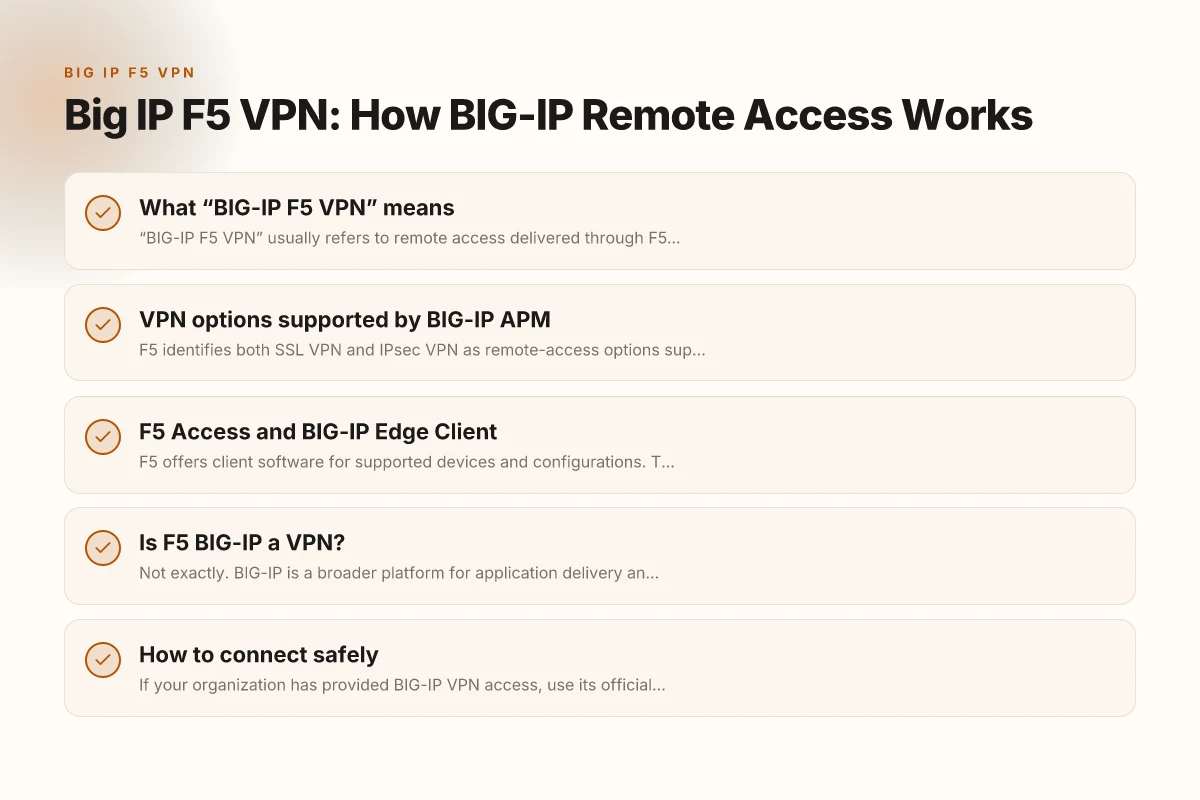
What “BIG-IP F5 VPN” means
“BIG-IP F5 VPN” usually refers to remote access delivered through F5 BIG-IP APM. BIG-IP is F5’s application delivery and security platform, and APM is the component used to manage access policies for users and devices.
A company can configure APM to authenticate users, apply access rules, and provide a connection to approved corporate resources. The exact experience varies by organization. For example, a user may connect to internal applications through a browser or use an F5 client to establish a VPN connection.
BIG-IP is the platform; APM supplies the access-management capabilities. Calling the whole product a VPN can be convenient, but it can obscure the fact that the connection depends on a configured enterprise service.
VPN options supported by BIG-IP APM
F5 identifies both SSL VPN and IPsec VPN as remote-access options supported through BIG-IP APM. They are different approaches to creating a protected connection, and organizations select and configure the method that fits their environment. AnyConnect VPN: What It Does, How to Download It, and How to Connect
| Option | What it generally provides | What to check |
|---|---|---|
| SSL VPN | Remote access over an SSL-based connection, often used to reach enterprise applications or resources | Whether the organization requires a browser-based connection or a compatible client |
| IPsec VPN | Remote access using IPsec-based tunneling | Whether the organization’s deployment and device support the required configuration |
The names alone do not determine which option you should use. Follow your organization’s connection instructions, since its BIG-IP version, access policy, and client configuration affect what is available.
F5 Access vs. BIG-IP Edge Client
| Comparison | F5 Access | BIG-IP Edge Client |
|---|---|---|
| Product type | F5 access app | BIG-IP access client |
| Primary role | Connect to BIG-IP-protected resources | Provide BIG-IP remote network access |
| Device support | Supported mobile and desktop platforms | Supported desktop platforms |
| Connection method | App configured for the organization | Client configured for the organization |
| Resource access | Depends on BIG-IP policy | Depends on BIG-IP policy |
| Setup source | Organization instructions and app | Organization instructions and client |
| Best fit | Supported devices and access workflows | Managed computers needing network access |
Compiled November 2026; check the provider's site for current details.
F5 Access and BIG-IP Edge Client
F5 offers client software for supported devices and configurations. Two names users may encounter are F5 Access and BIG-IP Edge Client. 365VPN: Features, Platforms, and What to Check Before You Sign Up
F5 Access is available for mobile platforms. Its app listing states that it requires an existing F5 Zero Trust Access for BIG-IP deployment and is not a consumer VPN service. Installing the app alone does not create a VPN connection or provide access to a company network. You need the organization’s service details and authorization.
BIG-IP Edge Client is used for supported desktop configurations. F5 documentation for Windows notes that Edge Client 7.1.7 and later supports creating a VPN based on machine credentials with BIG-IP versions 13.1 and above. This is a specific capability, not a guarantee that every deployment uses it. Your administrator must configure the feature and confirm that your client and BIG-IP setup are compatible.
If you are unsure which software to install, ask your organization’s IT team. Using an unofficial download or entering company credentials into an unapproved app can create security risks.
Is F5 BIG-IP a VPN?
Not exactly. BIG-IP is a broader platform for application delivery and security services. BIG-IP APM provides access-management capabilities, including remote-access VPN options. In everyday conversation, people may call the configured remote-access service an “F5 VPN,” but the platform itself does more than provide VPN connectivity. Free VPN Extension for Edge: What to Know Before You Install
This distinction also helps explain why access differs between users. An organization can apply different policies based on a user’s identity, device, or requested resource. Two employees using the same client may see different access or connection options because their accounts or devices are governed by different rules.
Safe BIG-IP VPN connection checklist
| Decision point | Safer choice | Avoid | Why it matters |
|---|---|---|---|
| Connection address | Use the organization’s verified portal | Links from unknown messages | Helps prevent credential theft |
| Client or app | Install the organization-approved F5 client | Unofficial downloads | Reduces tampering risk |
| Sign-in | Follow the organization’s authentication process | Sharing passwords or approval codes | Protects account access |
| Network | Use a trusted, updated connection | Unsecured public Wi-Fi without protection | Limits exposure on shared networks |
| Device | Keep the operating system and security tools updated | Connecting from unsupported or unmanaged devices | Reduces known vulnerabilities |
| Access scope | Use only the resources required | Seeking broader access than needed | Limits impact if an account is compromised |
| Connection issues | Contact the organization’s IT team | Changing security settings to bypass errors | Preserves approved safeguards |
Compiled November 2026; check the provider's site for current details.
How to connect safely
If your organization has provided BIG-IP VPN access, use its official setup instructions rather than trying to configure a connection from scratch. F5 VPN Client: How to Choose, Download, and Connect
Before connecting, confirm:
- Which client or access method your organization requires.
- The correct server address and sign-in procedure.
- Whether your device and operating system are supported.
- Whether the organization requires a particular BIG-IP version or client configuration.
- Where to get help if authentication fails or the connection is rejected.
A connection problem may be caused by an incorrect address, an unsupported client, expired credentials, or an access policy, not necessarily by a problem with your internet connection. Contact your help desk before changing security settings or repeatedly retrying a failed login.
Recommendation
Treat “big IP f5 vpn” as an organization-managed remote-access service, not a VPN product you can use independently. If you need access, ask your IT administrator which APM connection method and client your organization supports. Follow its official instructions, and use F5 Access or BIG-IP Edge Client only when your deployment specifically requires it.