Best VPN Extension for Edge: How to Choose the Right One
Compare Edge VPN extensions, understand their limits, and choose one that fits your privacy and browsing needs.
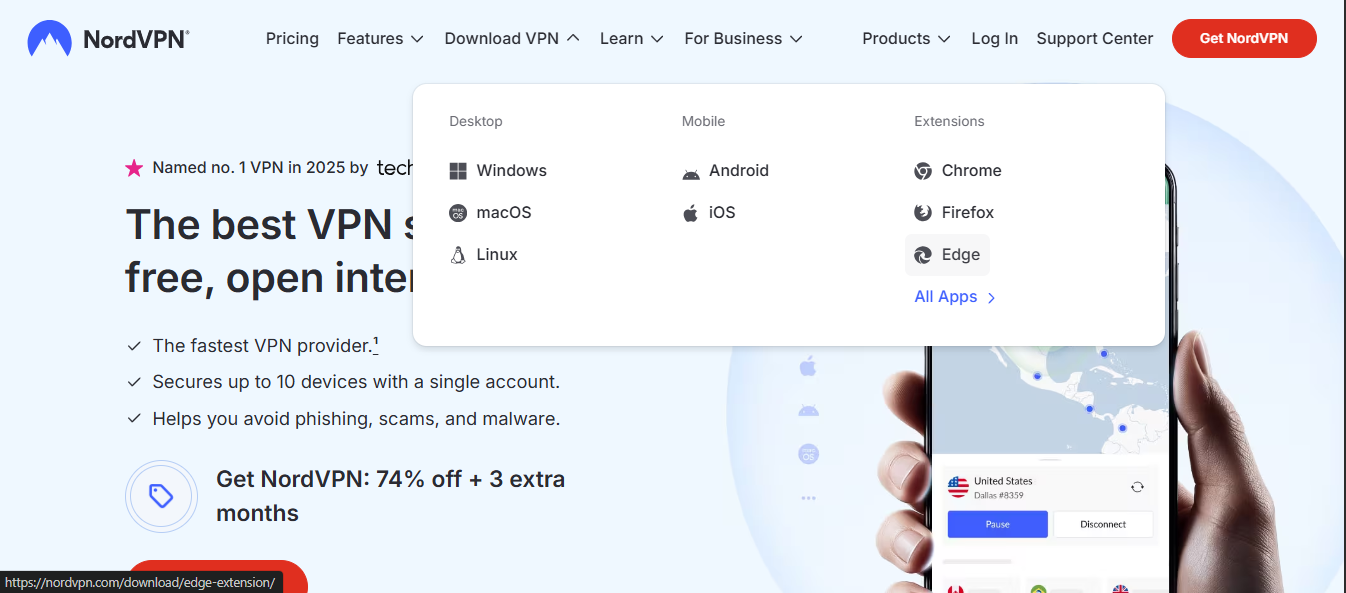
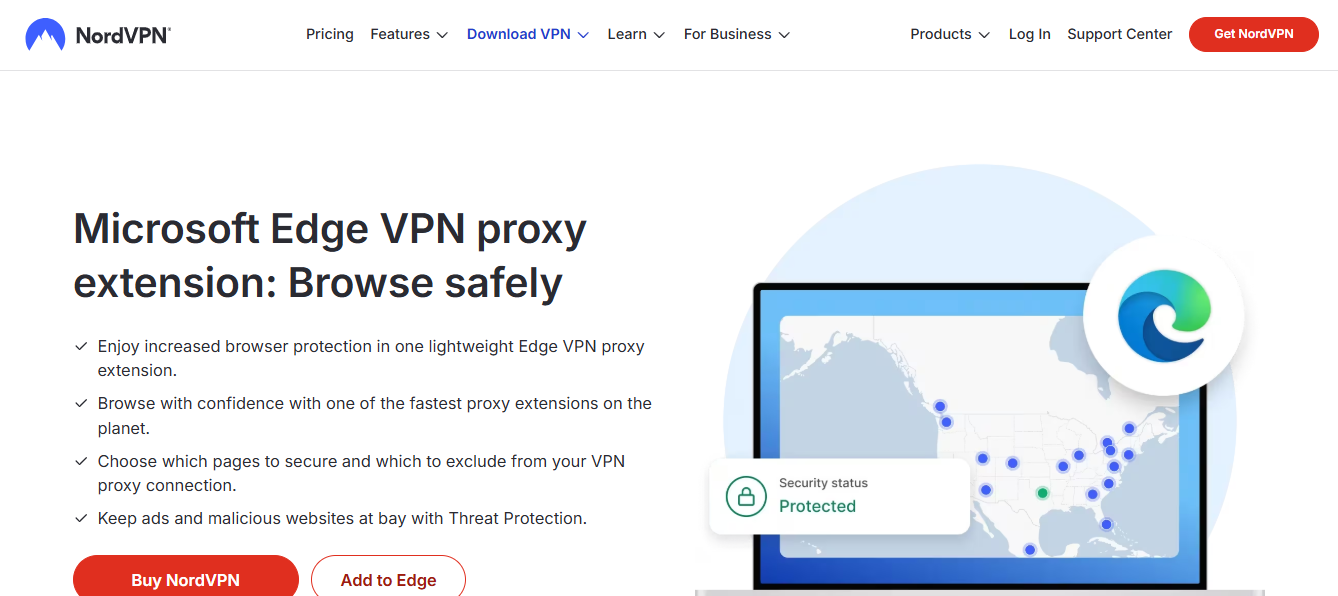
If you’re looking for the best VPN extension for Edge, start by choosing a provider you trust, not simply the extension with the most prominent “free” label. ZenMate, Hoxx VPN Proxy, VeePN, Planet VPN, and Browsec appear in Edge-related search results, but availability and features can change. Compare their privacy practices and protection limits before you install one.
Editor's pick: NordVPN — fast, secure VPN — Strong encryption, a no-logs policy and apps for every device. 30-day money-back guarantee. Get NordVPN →
Compare Edge VPN extensions by features and fit
| Extension | Best suited for | Extension-only protection | Full-device app available | Check before choosing |
|---|---|---|---|---|
| NordVPN | Everyday browsing | Browser traffic | Yes | Plan requirements |
| ExpressVPN | Simple setup | Browser traffic | Yes | Account requirements |
| Surfshark | Multiple devices | Browser traffic | Yes | Extension and app coverage |
| Proton VPN | Privacy-focused browsing | Browser traffic | Yes | Available features |
| CyberGhost | Streaming and browsing | Browser traffic | Yes | Server access |
| Windscribe | Flexible browsing | Browser traffic | Yes | Free-plan limits |
Compiled November 2026; check the provider's site for current details.
| VPN | Obfuscation | From / month | Plan | Free plan | Refund | Alipay | UnionPay | Crypto | Website opens in China | Trustpilot | |
|---|---|---|---|---|---|---|---|---|---|---|---|
 NordVPN | Turn on manually Obfuscated Servers / NordWhisper | $3.49/mo | 27 months: $94.23 | No | 30 days | ? | ✗ | ✓ | ✓ | ✗ Blocked | 4.2/5 (51,628 reviews) |
 ExpressVPN | ✓ On by default all servers | $3.00/mo | 28 months: $84 | No | 30 days | ✗ | ✗ | ✓ | ✗ | ✗ Blocked | 4.4/5 (29,706 reviews) |
 Surfshark | ✓ On by default Camouflage, with OpenVPN | See site | See site | No | 30 days | ✗ | ✗ | ✗ | ✓ | ✗ Blocked | 4.3/5 (31,823 reviews) |
 Proton VPN | Turn on manually Stealth, free plan too | $2.99/mo | 12 months: $35.88 | Yes | 30 days | ✗ | ✗ | ✗ | ✓ | ✗ Blocked | 2.1/5 (1,040 reviews) |
 CyberGhost | Turn on manually selected servers | $2.19/mo | 28 months: $61.32 | No | 45 days | ✗ | ✗ | ✗ | ✓ | ✗ Blocked | 4.0/5 (24,178 reviews) |
 Windscribe | Turn on manually Stealth / WStunnel | $5.75/mo | 12 months: $69 | Yes | See site | ✗ | ✗ | ✗ | ✓ | ✗ Blocked | 4.7/5 (13,355 reviews) |
 ZoogVPN | Turn on manually Shadow | $2.49/mo | 27 months: $59.99 | Yes | 7 days | ✓ | ✓ | ✓ | ✓ | Official site blocked; our special link opens (4.4 s) | 4.2/5 (195 reviews) |
 Astrill VPN | Turn on manually StealthVPN / OpenWeb | $12.50/mo | 24 months: $300 | No | See site | ✗ | ✗ | ✗ | ✓ | ✗ Blocked | 1.3/5 (110 reviews) |
 Private Internet Access | Turn on manually Shadowsocks, OpenVPN only | $2.03/mo | 40 months: $81.2 | No | 30 days | ✗ | ✗ | ✗ | ✗ | ✗ Blocked | 4.2/5 (11,033 reviews) |
 PureVPN | Turn on manually switch to OpenVPN | $1.69/mo | 60 months: $101.55 | No | 31 days | ? | ? | ✗ | ✓ | ✗ Blocked | 4.4/5 (17,994 reviews) |
 AdGuard VPN | ✓ On by default TrustTunnel | $2.99/mo | 24 months: $71.76 | Yes | 30 days | ✓ | ✗ | ✓ | ✓ | Official site blocked; our special link opens (3.7 s) | 4.3/5 (290 reviews) |
 Mullvad | Turn on manually QUIC / Shadowsocks / LWO | $5.61/mo | €5/mo | No | 14 days | ✗ | ✗ | ✗ | ✓ | ✗ Blocked | 3.2/5 (192 reviews) |
 StrongVPN | Turn on manually Scramble, OpenVPN TCP | See site | See site | No | 30 days | ✓ | ✗ | ✗ | ✗ | ✗ Blocked | 4.4/5 (2,695 reviews) |
 LightXtreme 闪连 | Not listed | $7.08/mo | 12 months: $84.99 | Yes | 30 days | ✓ | ✓ | ✓ | ✓ | ✓ Yes (3.5 s) | No page |
Prices checked 2026-11-10 on each vendor's pricing page (cheapest long plan, USD). Check the vendor's checkout for the final price.
Obfuscation checked 2026-11-14 on each vendor's site and help center: "on by default" = nothing to set; "turn on manually" = switch protocol or mode in settings; "not listed" = the vendor describes no obfuscation.
Payment methods checked 2026-11-10 on each vendor's payment pages: all 14 take cards and PayPal; ✗ = not listed, ? = the vendor's own pages disagree.
China access: whether the official website opens from mainland China networks (tests the website only, not the VPN connection). Last checked 2026-11-18 01:02 Beijing time.
Trustpilot score and review count checked 2026-11-10.
What an Edge VPN extension does
A VPN extension runs in your browser and can route browser traffic through a VPN or proxy service. Depending on the provider, it may help hide your IP address from websites and protect browsing traffic on networks you don’t trust.
An extension is not always the same as a full VPN application. It may cover only traffic handled by Edge, leaving other apps and services on your device outside its protection. Some extensions also function more like browser proxies than complete VPNs.
Before choosing one, ask:
- Does it protect only Edge traffic, or does it require a separate app?
- Does the provider explain what data it collects?
- Are its locations, connection limits, and features clear?
- Does it offer support and a way to manage or cancel a paid plan?
Edge VPN extensions to compare
Microsoft Edge Add-ons search results list options including ZenMate Free VPN and Hoxx VPN Proxy. Other recent roundups mention VeePN, Planet VPN, and Browsec. These listings are a starting point, not a guarantee that an extension is the best or safest choice for you. VPN FortiClient: What It Is, How to Connect, and What to Know
| Extension or service | What search results indicate | What to check before installing |
|---|---|---|
| ZenMate VPN | Listed in Edge Add-ons; its product page describes a free browser extension | Review current availability, privacy terms, and which features are free |
| Hoxx VPN Proxy | Listed in Edge Add-ons search results | Check whether it meets your privacy needs and what traffic it covers |
| VeePN | Mentioned in a recent extension roundup | Confirm current Edge features, data practices, and plan limits |
| Planet VPN | Mentioned in a recent extension roundup | Verify current terms, connection options, and any usage restrictions |
| Browsec | Mentioned in a recent extension roundup | Check its latest Edge listing and privacy policy |
Ratings, features, and availability may change. Read the current Edge Add-ons listing and the provider’s own documentation before making a decision.
Is ZenMate a good free option?
ZenMate is one option to investigate if you want a free Edge extension: it appears in Microsoft’s Edge Add-ons search results, and its product page promotes a free browser extension. Its site says it does not record users’ online activity. Treat that as a provider claim to review alongside the full privacy policy, rather than as proof that an extension offers complete anonymity.
A free extension can be convenient for occasional browsing, but check for limits on locations, speed, data, or features. Also consider how the provider funds the service and what information it collects.
Safety checks when choosing an Edge VPN extension VPN Extension Free Edge: How to Choose a Free VPN for Microsoft Edge
| Check | What to look for | Why it matters | Warning sign |
|---|---|---|---|
| Publisher | Verified provider identity | Helps confirm who operates it | Unclear ownership |
| Permissions | Access that fits its function | Limits unnecessary data exposure | Broad unrelated access |
| Privacy policy | Clear data collection details | Shows how browsing data is handled | Vague or missing policy |
| Encryption | Clear protection details | Helps protect traffic in transit | No explanation |
| Leak protection | DNS and IP leak safeguards | Reduces accidental exposure | No mention of leaks |
| Updates | Recent maintenance | Helps address security issues | Long-unmaintained extension |
| Reviews | Consistent, credible feedback | Can reveal recurring problems | Sudden suspicious review patterns |
Compiled November 2026; check the provider's site for current details.
How to choose a safer extension
A VPN provider handles sensitive browsing data, so trust and transparency matter more than a long feature list. Read the privacy policy and look for plain explanations of logging, data sharing, and retention. Be cautious if the developer’s identity, terms, or support options are difficult to find.
Use this checklist:
- Check the developer: Install from the Microsoft Edge Add-ons store and confirm the publisher matches the provider.
- Read the privacy policy: Look for details about connection data, browsing activity, and third-party sharing.
- Understand the coverage: Confirm whether the extension protects Edge alone or works with a separate VPN app.
- Review permissions: Be wary of permissions that seem unrelated to the extension’s function.
- Check the current listing: Read recent reviews and confirm that the extension is still maintained.
- Test carefully: After connecting, check whether websites see a changed IP address. This is a basic check, not a complete security audit.
Avoid entering passwords or payment details into unfamiliar extensions, and don’t assume that a “free” label means the service has no trade-offs. Best Free VPN Extension for Edge: Top Options and What to Know
Does Microsoft Edge have a built-in VPN?
Microsoft has offered a feature called Edge Secure Network, described as a browser security service powered by Cloudflare. It is not the same as installing a third-party VPN extension, and its availability and terms may depend on your Edge version, location, or account.
Check Edge settings or Microsoft’s current support information to see whether the feature is available to you and what it covers. Don’t assume it protects all traffic on your device. If you need device-wide coverage, a standalone VPN application is generally the more relevant option.
Choose between an Edge extension and a full VPN app
| Need | Edge extension | Full VPN app |
|---|---|---|
| Protect Edge browser traffic | Suitable | Suitable |
| Protect other browsers | Usually no | Yes |
| Protect apps outside the browser | No | Yes |
| Limit protection to browser activity | Suitable | May route more device traffic |
| Use VPN on multiple device types | Depends on provider | Usually supported |
| Avoid installing a device-wide app | Suitable | Not suitable |
| Use Microsoft Edge’s built-in VPN | Not included by default | Not included by default |
Compiled November 2026; check the provider's site for current details. VPN Location Changer Free: How to Change Your IP Address Safely
Extension or full VPN app?
Choose an extension if your main goal is browser-level protection and you’re comfortable with its limitations. Choose a full VPN app if you want protection for traffic from multiple apps on your device. Neither option makes you completely anonymous: websites can still identify you through account logins, cookies, or other tracking methods.
A browser extension can also stop protecting you if it disconnects, is disabled, or is configured incorrectly. Keep Edge and the extension updated, and avoid treating a VPN as a substitute for strong passwords, multifactor authentication, or cautious browsing.
Recommendation
For a simple starting point, compare ZenMate and other extensions currently listed in Microsoft Edge Add-ons, then choose only after reviewing each provider’s privacy policy, permissions, and coverage. If privacy across your whole device matters, use a reputable full VPN app instead of relying on an Edge extension alone.